

Visual schedule for the classroom: a teacher's setup guide
A picture schedule shows the order of the school day, so children can see what is happening now and what comes next. This guide shows how a teacher or classroom assistant can set one up on a shared Fire tablet, in about ten minutes.
Decide what the schedule is for
Start with the part of the day that needs the most prompting. Common choices are arrival, the move between lessons, packing up and going home. A schedule with four to six pictures is easier to follow than one with twelve.
Set it up in five steps
- Create a profile for each child. Each child has their own routines, so one tablet can serve several children.
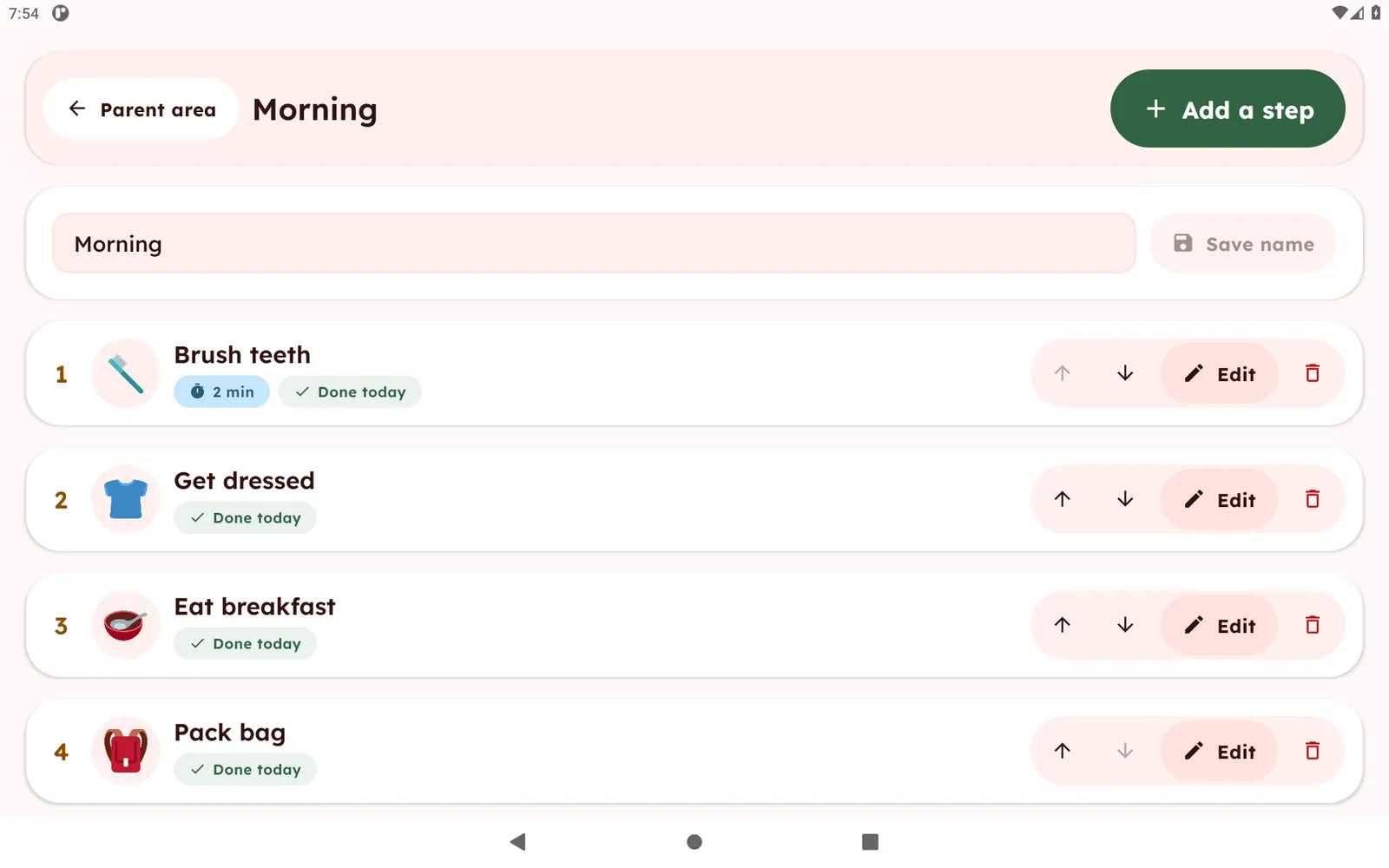
- Build the routine. Add a step for each part of the sequence, choose a picture from the 74 built-in pictures or use a photo of your own classroom, and name it in the words you use every day.
- Keep the order stable. Use the same sequence on the same days. Edit the routine when the timetable changes.
- Use First / Then for transitions. Show just two steps, for example First tidy up, then circle time.
- Add a quiet timer when it helps. A countdown on a step shows time passing with no alarm sound.
A sample school-day routine
- Arrive and put away bag
- Circle time
- Work time
- Snack
- Playground
- Pack up and go home
Tips for a calm classroom
- Place the tablet where the child can see it without leaving their seat.
- Let the child tap their own steps as they finish. Tapping again undoes a mistake.
- Routines reset every morning, so each day starts fresh.
- Editing sits behind a parent gate, a multiplication question, so children do not change the routines by accident.
- Print a paper copy of a chart as a backup. The free printable charts can be reused for a school routine.
What the app needs and stores
Visual Schedule Board works offline, shows no ads and has no accounts. Names, routines and photos stay on the tablet. Read the privacy policy, and check your school's own rules on photos and children's data before adding pictures of pupils. The app is free for 1 child profile and 2 routines. A one-time unlock through Amazon adds more children and routines.
Visual Schedule Board is a routine and organization tool, not a medical or therapy product. See the app or read the First / Then board guide.