

How to Track Windows Screen Time Without Cloud Surveillance
You don’t need an employer monitoring dashboard or a cloud subscription to understand where your day goes. Here is how local-first SQLite tracking and respectful boundaries help you stay focused.
The Dark Side of Traditional Time Trackers
Most commercial screen time utilities fall into one of two extremes:
- Corporate Surveillance Software: Tools like RescueTime continuously sync your active window titles, document filenames, and browsing timestamps to remote cloud databases. They are designed for employee surveillance, monthly SaaS revenue, and analytics profiling.
- Punitive Digital Blockers: Aggressive app blockers abruptly terminate your active processes or freeze your screen when a daily timer expires, often destroying unsaved work in IDEs, spreadsheets, or design tools.
The Local-First Alternative: Still-Lane
Still-Lane was designed with a simple premise: adults are capable of intentional self-regulation when given clear, unbiased data and gentle reminders.
Instead of logging into an online portal, Still-Lane records active focus times directly into a high-performance local SQLite database stored in your personal Windows AppData directory. There is zero telemetry, no cloud sync, and no user account.
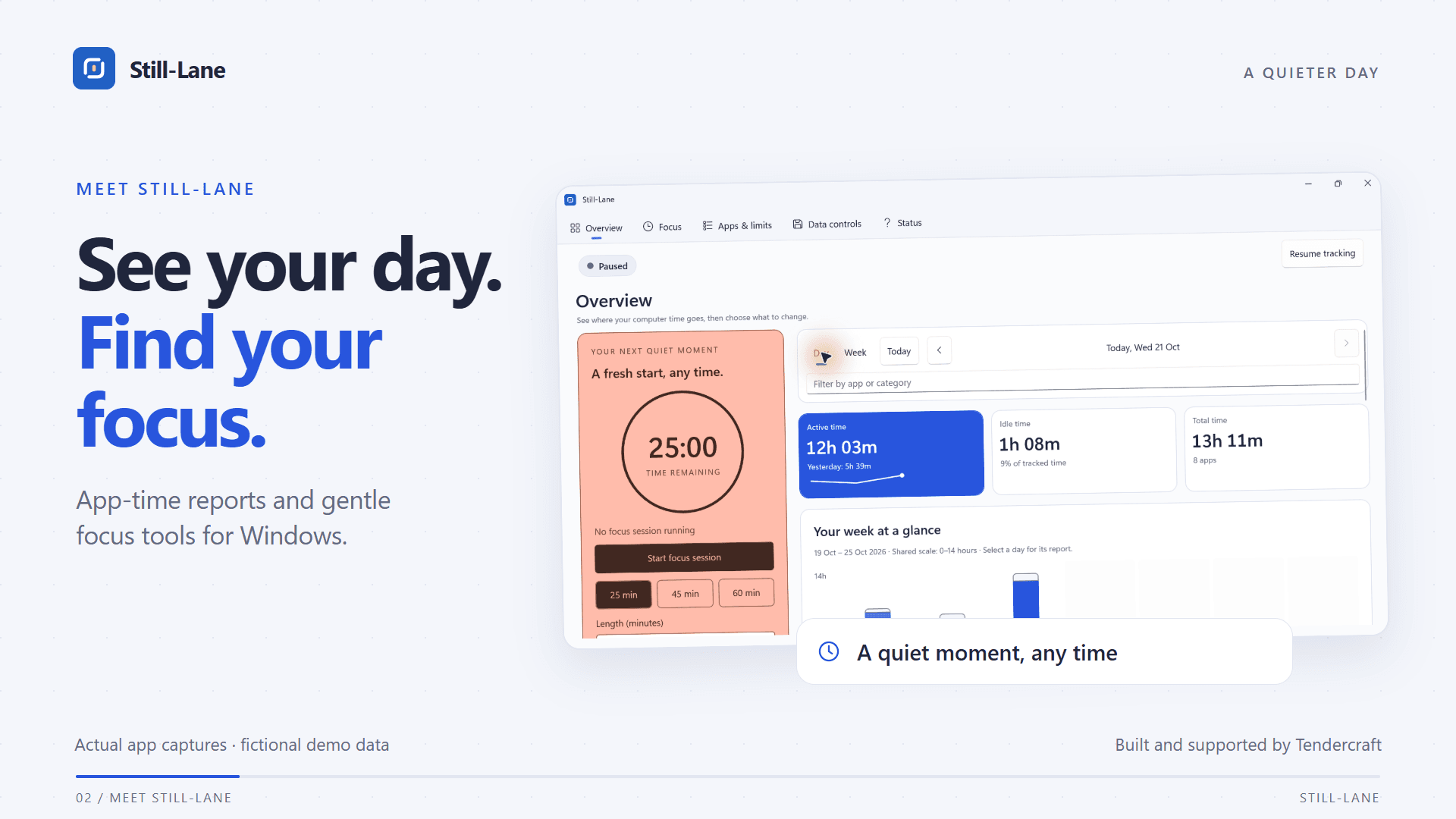
Still-Lane daily application timeline and category breakdowns: 100% private and stored locally.
Gentle, Overridable Budgets
When an application reaches its daily limit, Still-Lane displays a full-screen notification asking you to choose: take an intentional break, add another 5 minutes, or allow the app for the rest of today. It never abruptly force-closes applications or causes data loss.
Smart Away Detection
If you get up to make coffee or take a phone call, Still-Lane detects the cessation of mouse and keyboard inputs and pauses tracking automatically. Your end-of-day reports reflect true computer engagement rather than phantom idle hours.