

How to save recipes from websites on a Fire tablet
Bookmarks break, pages fill with ads, and screenshots cut off the steps. The simplest fix is to keep the recipe itself, not the page. Here is how to do that with Recipe Box.
1. Copy the recipe link
Open the recipe in Silk or any browser, then copy the address from the address bar.
2. Paste it into Recipe Box
In Recipe Box, tap New recipe, paste the link into Import from a recipe website, and tap Import. Most cooking websites publish recipe details in a standard format, so the title, ingredients, steps and photo fill in automatically.
3. Check it and save
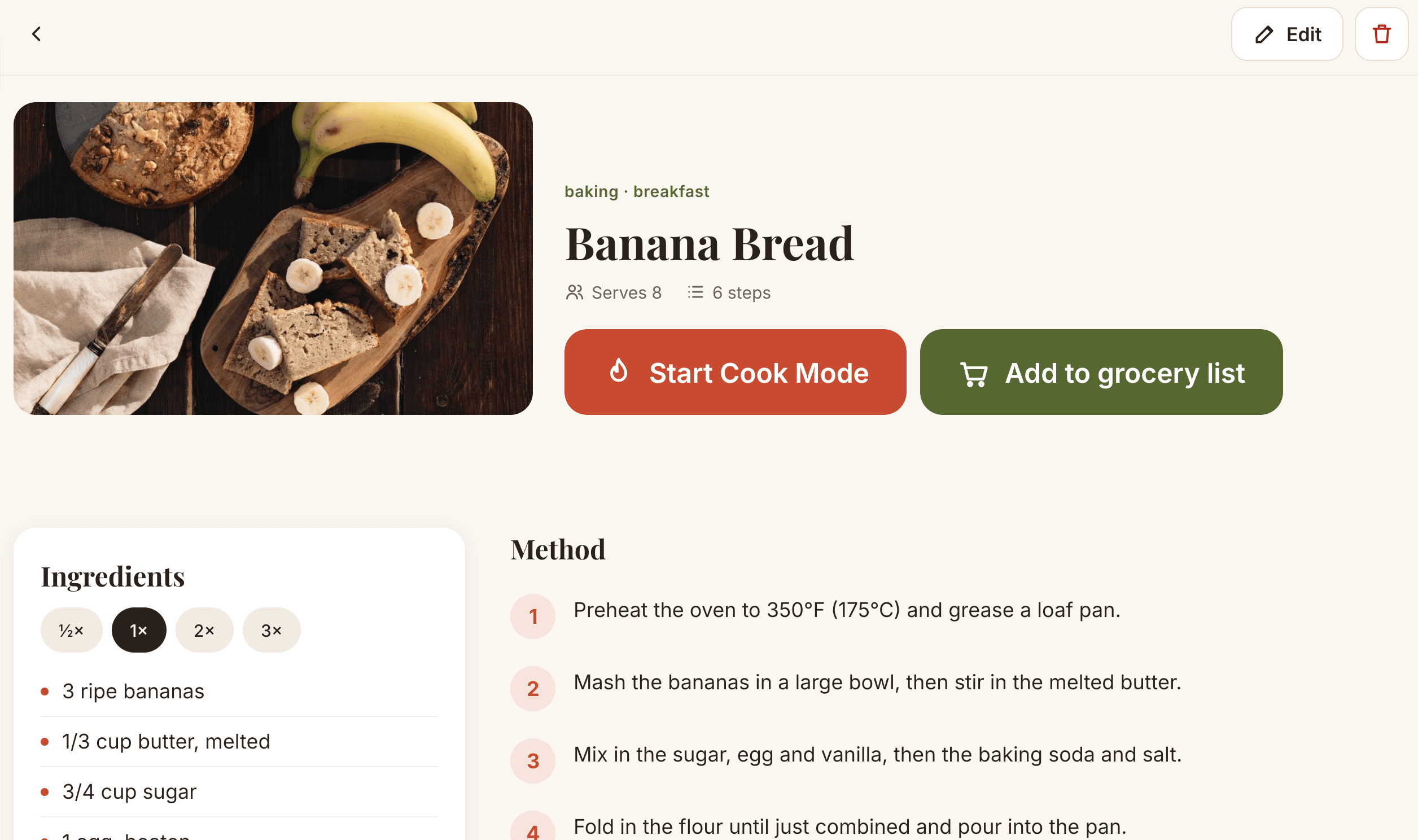
Fix anything you like, add tags such as dinner or baking, and tap Save. The recipe now lives on your tablet and works without internet.
If a website will not import
A few sites block apps or do not include recipe details in their page. Type the recipe in by hand instead: one ingredient per line and one step per line. Write times like "bake 20 minutes" and Cook Mode will offer a timer.