

How to keep a Fire tablet screen on while cooking
Nothing is more annoying than a screen that locks while your hands are covered in flour. You have two options.
Option 1: Lengthen the screen timeout
Open Settings, then Display, then Screen Timeout, and pick a longer time. This works for every app, but it also keeps the screen on when you are not cooking, which uses more battery. Remember to change it back.
Option 2: Use Cook Mode in Recipe Box
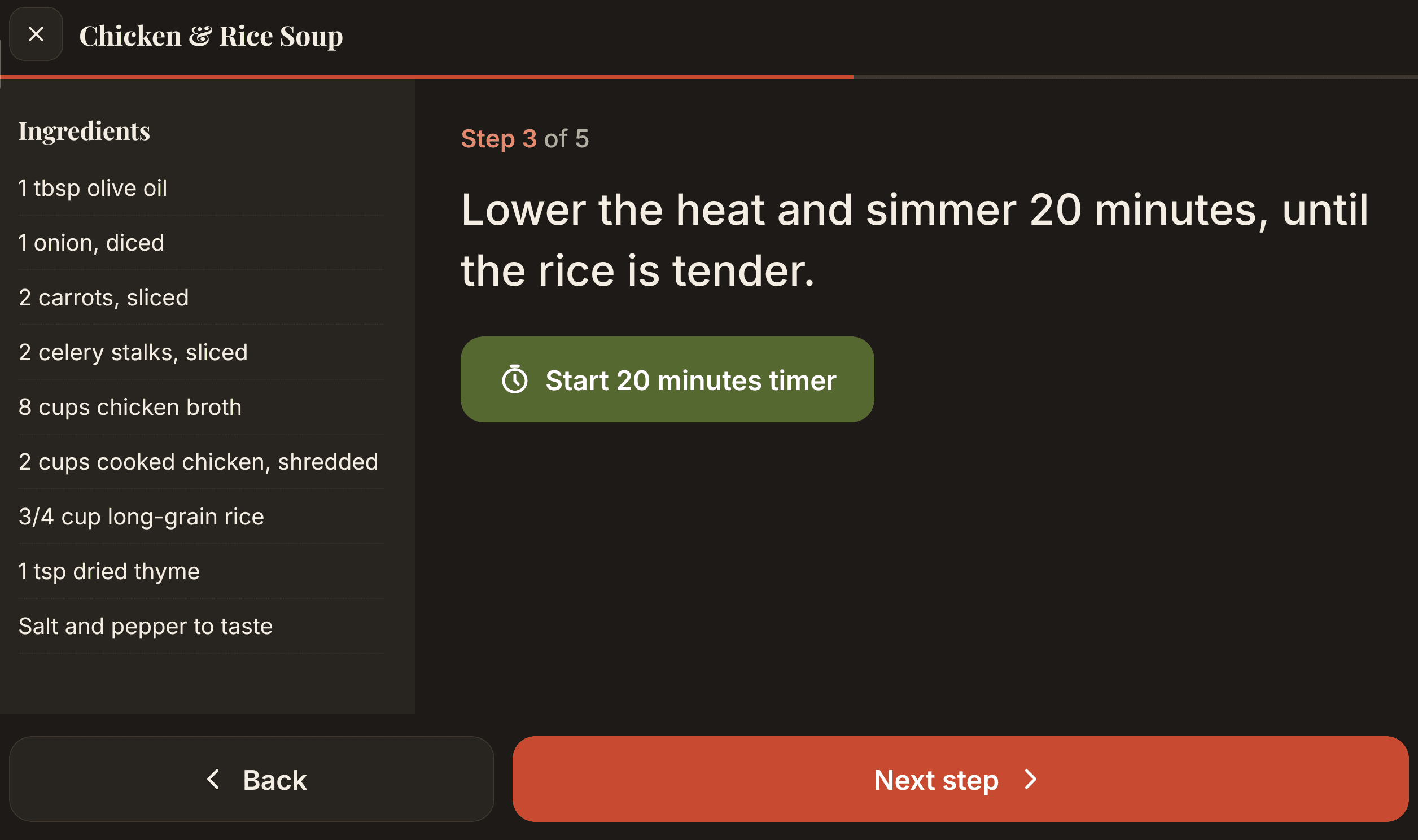
Recipe Box keeps the screen on only while Cook Mode is open, then lets it sleep normally again. Cook Mode also shows one large step at a time, so you can read it from across the counter, and offers a one-tap timer when a step mentions a time.
Tip: timers that survive switching apps
Recipe Box timers keep running if you leave Cook Mode or open another app, and ring with a notification when they finish.